

Posts by Roman
Learn more about this change here.
For help regarding Aternos, we recommend you to visit our support center.
-
-
There are still plugins on that server and it's still running out of RAM?
-
Can you please share the server log too?
-
You may want to check this article: https://support.aternos.org/hc…ut-your-server-connection
-
Share the new log
-
Your server is running out of RAM.
Does the issue persist without plugins?
-
Reproduce the issue, then use the share button on the log page and share the log with us
-
This sounds like it is caused by mods or plugins.
If you don't know which mod/plugin causes this try removing them one-by-one until you found out which one caused this.
-
Remove the mods one by one from your server.
Every time you remove a mod from your server, you need to restart it, then check if the problem still occurs.
If the problem doesn't occur anymore, know that it was probably due to the mod you last removed.
Always be sure to have a backup of your server before changing anything. This video might help you:
-
Since 1.19 it's located in the config folder.
-
Does the issue persist if you restart Minecraft on your computer?
-

Every time I try to open my modded server (forge), I'm met with the error message "Internal Exception: java.net.SocketException: Connection Reset". I removed a mod earlier (I like wood mod) and I had to change the world save because it kept giving me errors for removing the mod. After resetting/changing the world, it hasn't let me join back again.
I've attached the log here: https://mclo.gs/WzxUG1S
Please share your client log too as well as screenshots of the mods installed on your server and client.
-
-
Optifine, shaders etc. all those are purely client side.
You just need them on your computer. You don't need them on the server.
-
Use the DynIP as mentioned in this article: https://support.aternos.org/hc…72-Connect-to-your-server
-
it puts me entering the world and does not go from there
Can you please elaborate that.
I don't really get what you mean.
-
What is the address of the server in question?
-
Try removing the paintings mod.
If the issue persists, share the new client log.
-
The error message "fatally missing registry entries" typically appears when the installed mods on the player's computer do not match the installed mods on the server.
For modded servers, players must have the exact same mod collection installed on their computer as the server.
It is important that the version of the installed mods is identical as well as the version of Forge itself!
If you have so called client-only or server-only mods installed, it may help to temporarily remove them.
-
The issue got fixed with user on server.
It was probably related to too less food / or too less unclaimed beds.
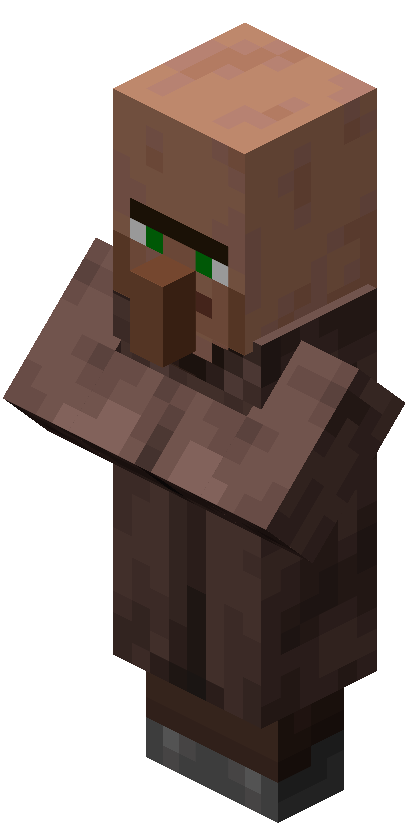 VillagerVillagers are passive mobs that inhabit villages, work at their professions, breed, and interact with each other. Their outfit varies according to their…minecraft.fandom.com